Web Client Operation
All ScannerVision web clients work in exactly the same way and they look exactly the same on all supported MFP brands and web browsers. Once you have launched the ScannerVision web client, you will see a screen similar to this (if authentication is enabled on the client):
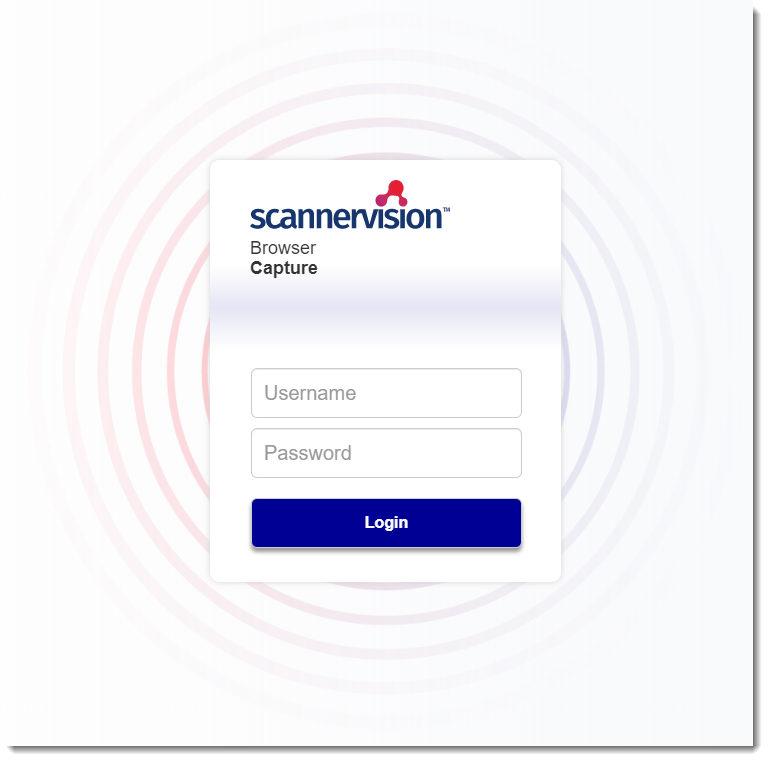
Enter your user name and password here and tap the “Login” button. This will take you to the Templates screen show below:
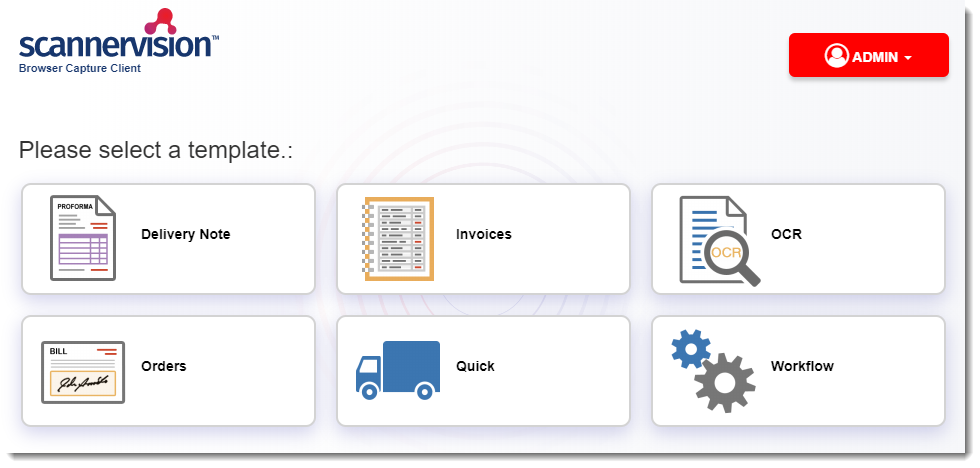
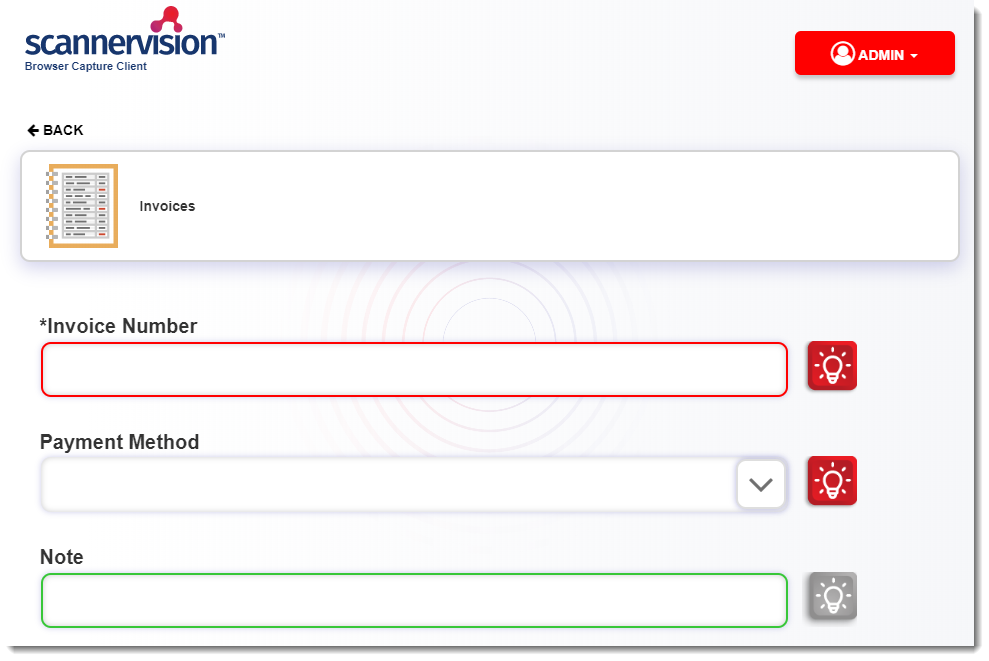
On the templates screen, select the template you want to use for your scan. You may need to answer one or more questions, depending on the configuration of the template. The red line around the box indicates a specific format that must be entered.
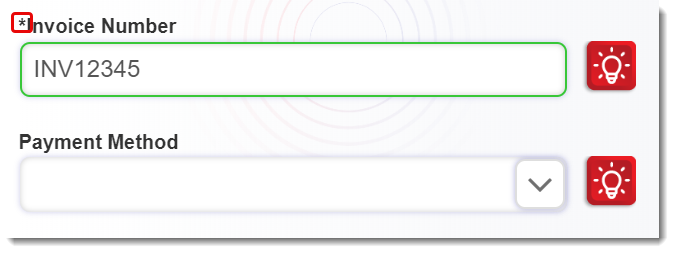
If a template question is required to be filled in you will see the asterisk in front of the question:
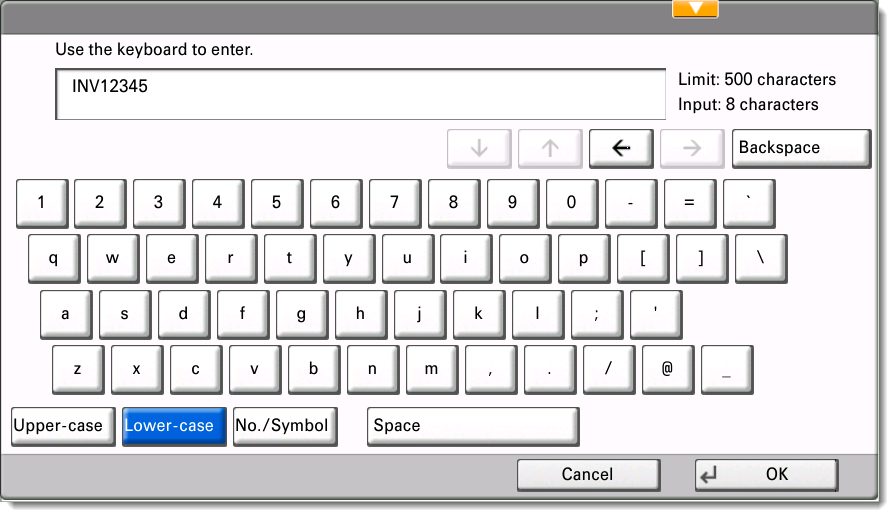
If you have to type a value for the question, tap in the edit box. Depending on the MFP, you will either be taken to a page where you can enter a value, or the MFP’s built in soft keyboard will appear and you can enter a value. If you are satisfied with the value that you have entered, you can tap the “OK” or “Enter” button on the keyboard, or simply select the next question.
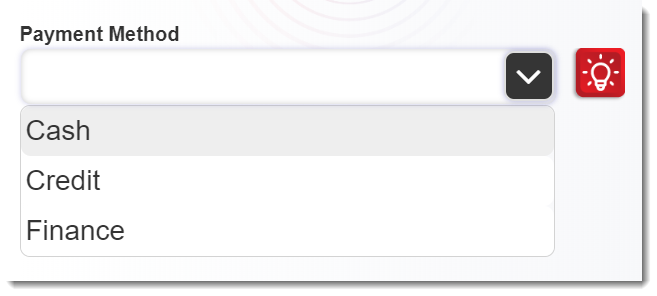
If you have to select a value from a list, tap the drop down edit box to show a list of options and tap the option you desire.
Once you have completed all the required questions, the “Scan” or “Upload” button corresponding to the web client type you are using will become active.
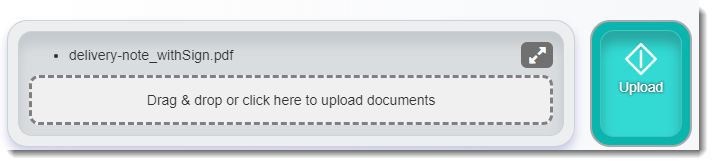
Browser Capture
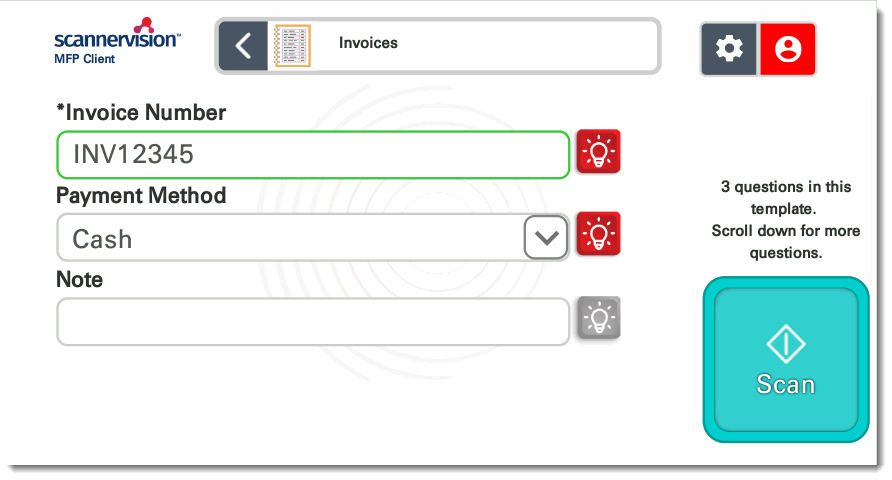
MFP Client
After your scan has been completed you will be taken to the “Scanning Completed” page:
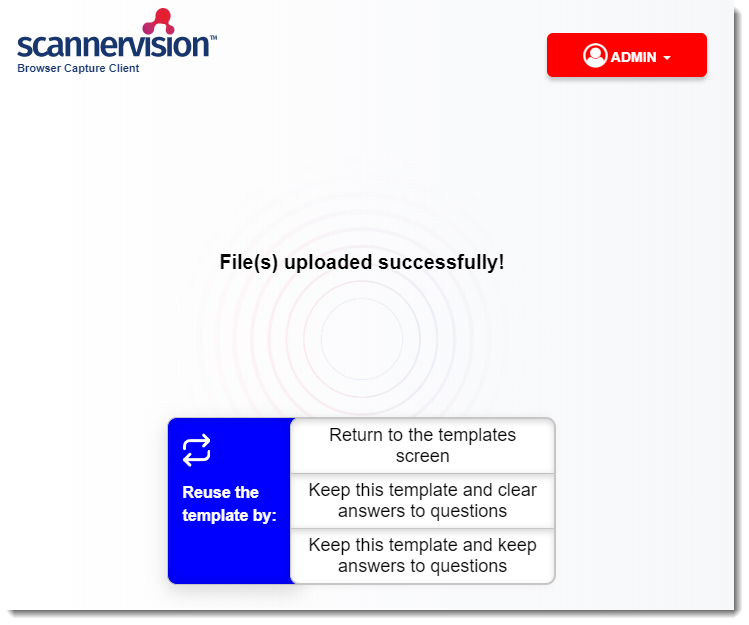
You are presented with three options here:
| Return to the templates screen | Returns to the templates screen from where you can select a new template. |
| Keep this template and clear answers to questions | This option takes you to the template questions screen of the currently selected template. The answers to all questions have been cleared. |
| Keep this template and keep answers to questions | This option takes you to the template questions screen of the currently selected template. The answers to all questions have been retained. |