Global Metadata
Please refer to the Capturing Document Metadata section for an overview of document metadata and how it can be configured.
Questions that are configured on the “Global Metadata” screen apply to all templates.
To add a global metadata question right click in the list window of the “Global Metadata” screen and select the “Add question” menu option:
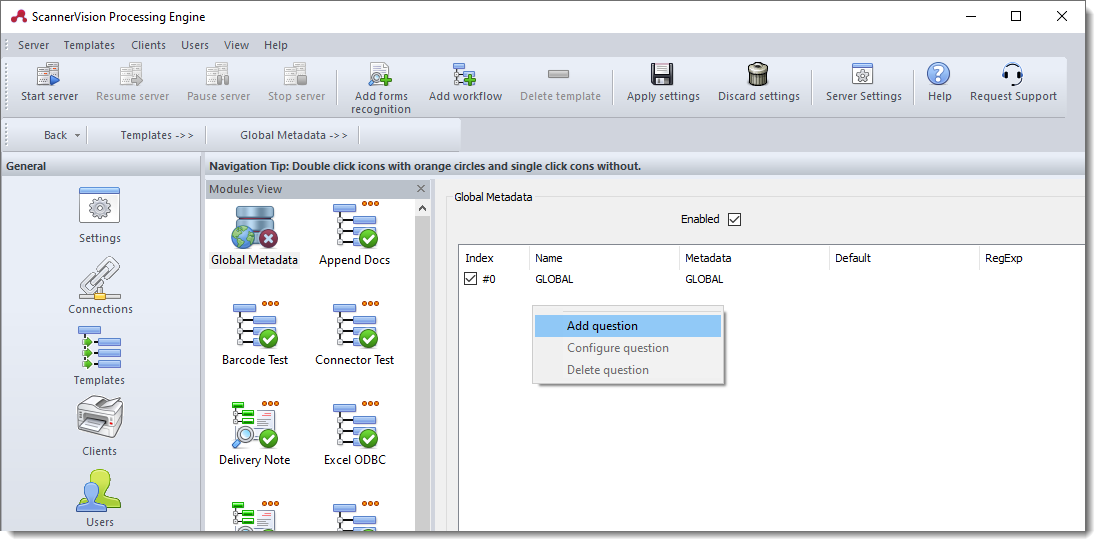
To configure or delete an existing question, right click on the relevant question and choose the desired option.